- Support Home
- Knowledge Base
- Target Expressions
- Control-group targeting for measuring true campaign impact.
Related articles
Need some help?
If you have questions or can't find what you're looking for, we're here to help.
Taguchi Support is available 24 hours a day, Monday to Friday.
Create New TicketAPI Version 5
Did you know Taguchi has an API that supports all of the functionality provided by the admin interface and more?
Explore API Documentation
Thanks for your feedback!
Control-group targeting for measuring true campaign impact.
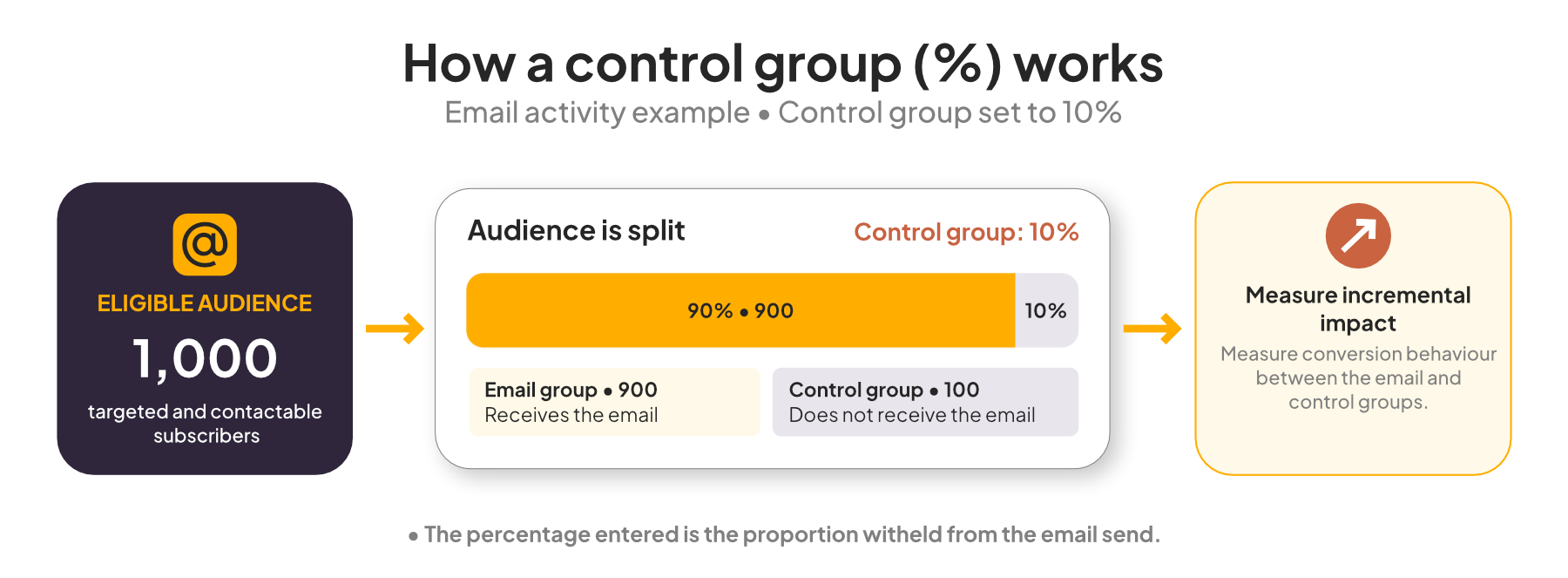
The Control group (%) option lets you hold back a percentage of eligible subscribers from receiving an activity. This gives you a like-for-like comparison group so you can measure the true incremental impact of your campaign.
How control-group targeting works
- Build your target expression as normal in Setup & Target.
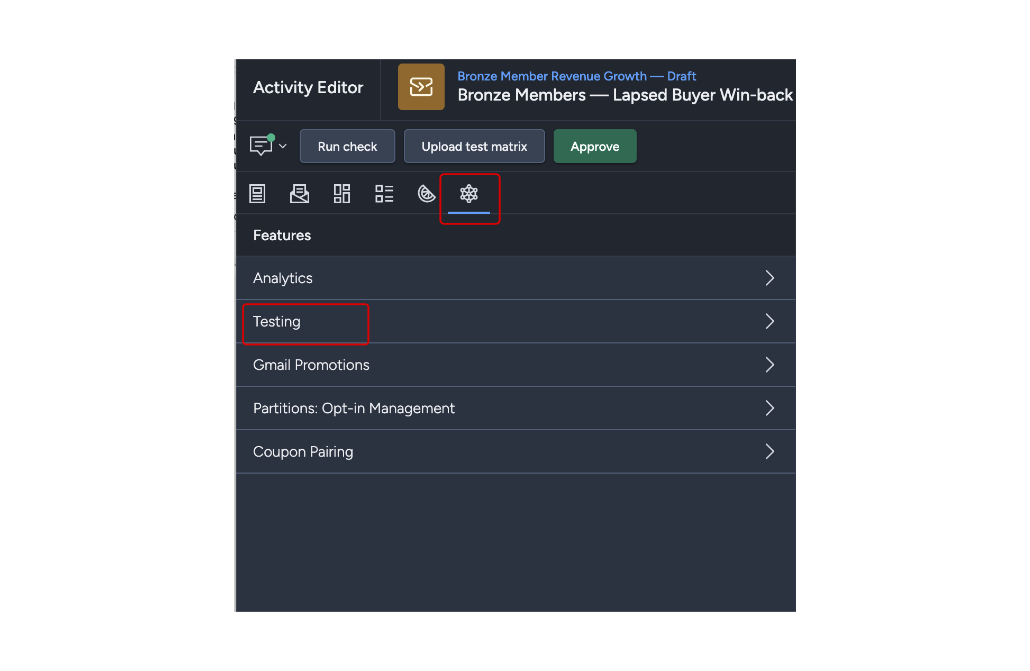
- Go to the activity editor and navigate to Features > Testing.
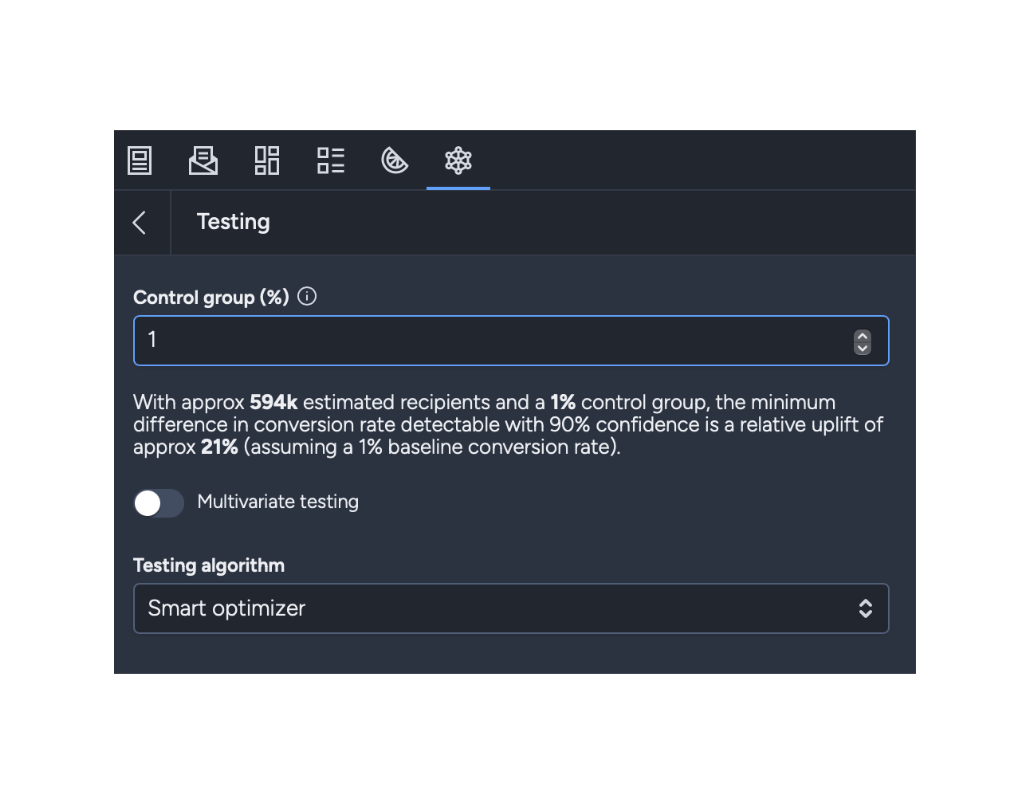
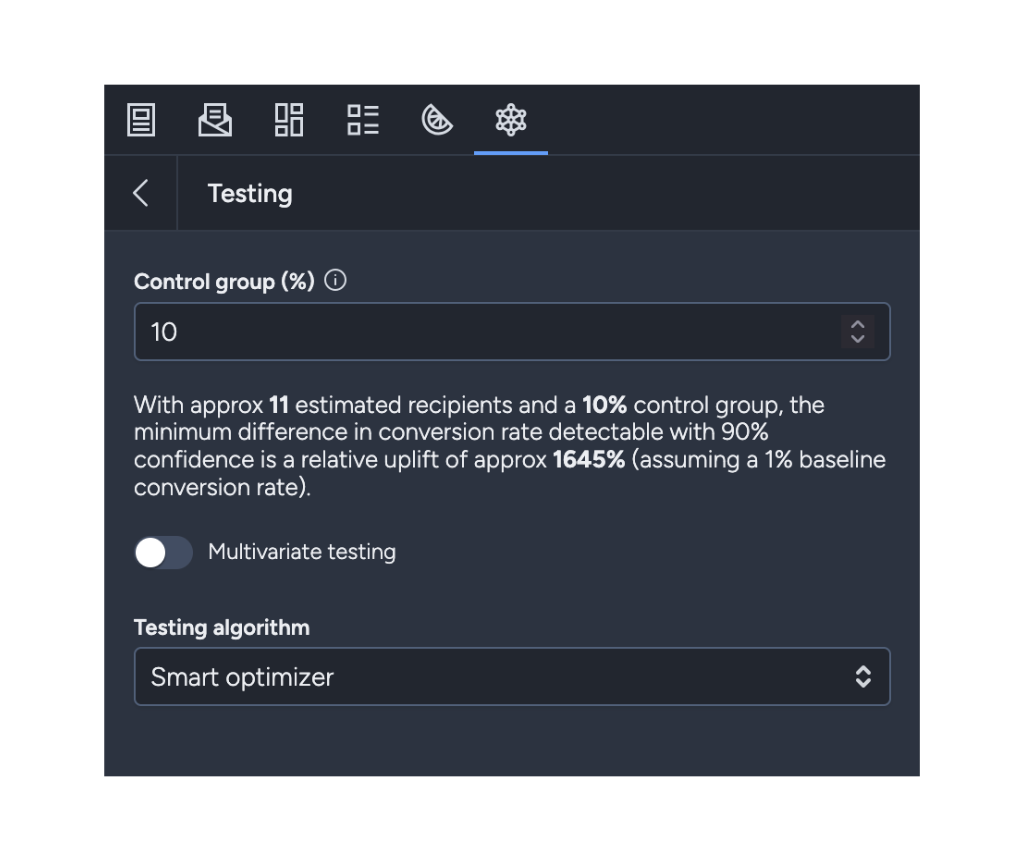
- Set Control group (%) to the holdout percentage you want.
- Save and run an activity check.
Taguchi then splits your eligible audience into:
- Treatment group — receives the message
- Control group — excluded from the send
Selection logic and exclusions
- The control-group percentage is applied to subscribers who match your targeting criteria for that activity.
- Subscribers in the control group are intentionally excluded from message delivery.
- The remaining eligible subscribers become the targeted/sent group.
- If you set 0%, no control holdout is applied.
Measuring treatment vs control
Use activity reporting to compare outcomes between:
- Subscribers who received the activity (treatment)
- Subscribers who were in the control group (holdout)
This helps you separate natural behaviour from campaign-driven behaviour.
Common comparisons include:
- Conversion rate
- Revenue per subscriber
- Open/click engagement rates (where relevant)
A simple lift view is:
Incremental lift = treatment result - control result
Exporting or targeting subscribers in control group
Export or retarget holdout subscribers by using the control-group event in a target expression (for example, control-group activity 10).
See the Target Expression Reference for supported resources.

Need help?
If you need help setting up a control group or interpreting treatment-vs-control results, contact our support team.