- Support Home
- Knowledge Base
- Account Management
- Organisation Settings
- How do I use the Admin Panel
Related articles
Need some help?
If you have questions or can't find what you're looking for, we're here to help.
Taguchi Support is available 24 hours a day, Monday to Friday.
Create New TicketTaguchi Certified Training
Join our free and live online training sessions. You'll benefit from a better understanding of the platform's features and functionality. Plus with Taguchi Certified Rewards, every session you attend, you're not just learning - you're earning your way to some fantastic rewards.
About Taguchi Certified RewardsAPI Version 5
Did you know Taguchi has an API that supports all of the functionality provided by the admin interface and more?
Explore API Documentation
Thanks for your feedback!
How do I use the Admin Panel
Taguchi's Admin Panel allows for storage of configuration that can then be used in other parts of the platform where needed.
Permission
Requires Administrator level permission to view and edit this page.
Setting up configuration
Please contact our support team for the base set up of this page, kindly provide them with the data you would like to store in the configuration settings.
Modifying configuration
- Navigate to the Admin Panel tab on the sidebar.
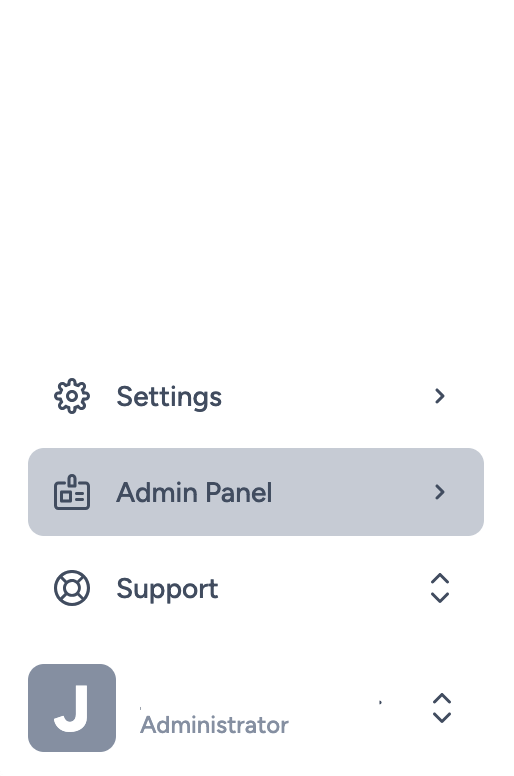
- You will now be able to access fields that were provided to our support team previously.

Please note that these fields will only be accessible with custom development work, they are not accessible by default on other parts of the platform.