- Support Home
- Knowledge Base
- Subscriber Management
- Exporting Subscribers
- Can I generate an extract based on the unsubscribe source?
Related articles
Need some help?
If you have questions or can't find what you're looking for, we're here to help.
Taguchi Support is available 24 hours a day, Monday to Friday.
Create New TicketAPI Version 5
Did you know Taguchi has an API that supports all of the functionality provided by the admin interface and more?
Explore API Documentation
Thanks for your feedback!
Can I generate an extract based on the unsubscribe source?
Yes. You can generate an extract of subscribers filtered by the source of their unsubscribe event by using the tracked unsubscribe target expression with a source field filter.
Prerequisites: This feature requires that unsubscribe events have been logged against subscriber profiles via the Taguchi custom tracking API, with a Subscriber Event Custom Field (e.g.
source) capturing the unsubscribe source value. If this field does not appear in the target expression builder, ensure it has been created under Settings > Custom Fields with the field type set to Subscriber event.
Steps
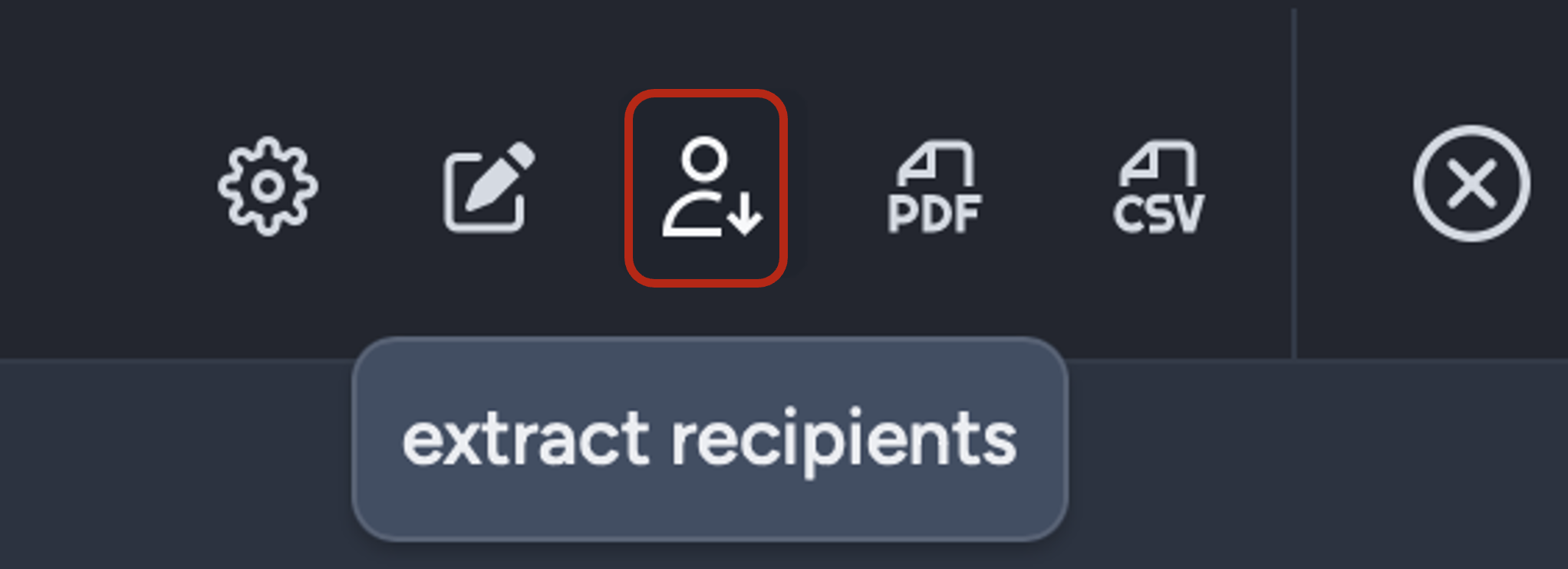
Navigate to the Subscribers tab and click Run Extract, or open any activity and click Extract Recipients in the top-left of the activity editor.
This will bring up the subscriber extract window.
- In the Target expression field, enter a
tracked unsubscribeexpression that filters by the unsubscribe source. For example:
| Expression | Description |
|---|---|
tracked unsubscribe source = "preference-centre" |
Subscribers who unsubscribed via the preference centre |
tracked unsubscribe source = "sms-reply" |
Subscribers who unsubscribed via SMS reply |
tracked unsubscribe source = "call-centre" |
Subscribers who unsubscribed via the call centre |
tracked unsubscribe source = "preference-centre" last 30 days |
Subscribers who unsubscribed via the preference centre in the last 30 days |
Replace source with the name of your Subscriber Event Custom Field, and replace the quoted value with the unsubscribe source value you want to filter on.
- Under Extract type, select Subscriber Profile.
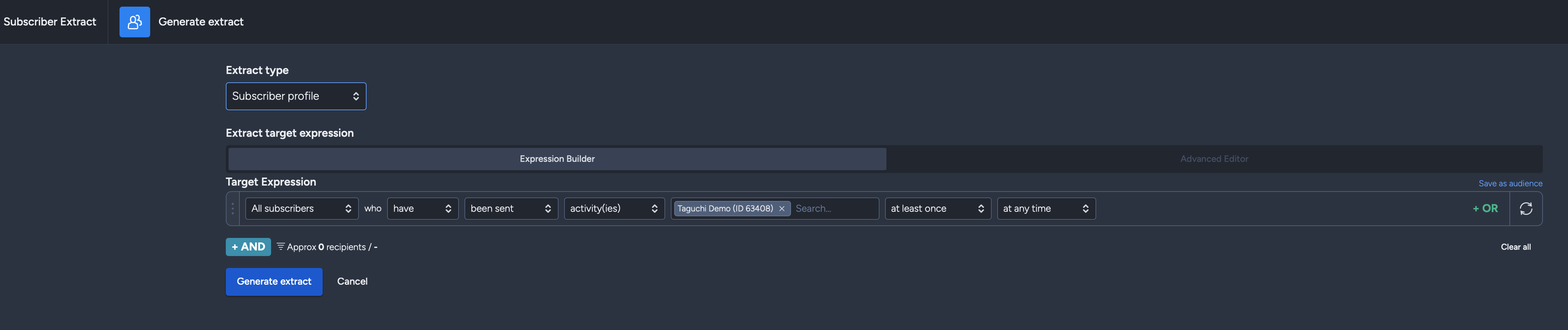
- Click Generate extract.

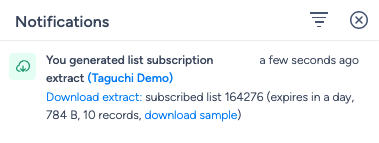
The extract will start generating. A notification will appear in the Notifications tray (top-right of the interface) once it is ready to download.
You can download a sample of the data extract first to review it before downloading the full ZIP file.
Related articles
- Targeting based on complaints and unsubscribe events — full details on the
tracked unsubscribepredicate, including syntax, field filtering, date ranges and count options. - Target Expression Reference — Custom Tracking Predicate — complete syntax reference for the
trackedpredicate. - What type of extracts can I generate within Taguchi? — details on the Subscriber Profile extract format.