- Support Home
- Knowledge Base
- Target Expressions
- Target Expression Estimates
Related articles
Need some help?
If you have questions or can't find what you're looking for, we're here to help.
Taguchi Support is available 24 hours a day, Monday to Friday.
Create New TicketAPI Version 5
Did you know Taguchi has an API that supports all of the functionality provided by the admin interface and more?
Explore API Documentation
Thanks for your feedback!
Target Expression Estimates
The Target Expression builder provides an estimate of the number of subscribers your selection will target. This feature is available across all sections within the platform that use target expressions, including activities, integrations, audiences, segments, extracts, and assets.
Real-time estimations
As you begin to build your expression, the system will start estimating the number of subscribers in real time. The calculation duration depends on the complexity of the expression—it can take anywhere from a few seconds to a couple of minutes (e.g., when querying more than six years of transaction history).


Once calculated, an approximate count is displayed. An error range is shown in brackets beside this number, indicating that the final targeted number will fall within this range. This estimate should not be considered as the final targeted number.
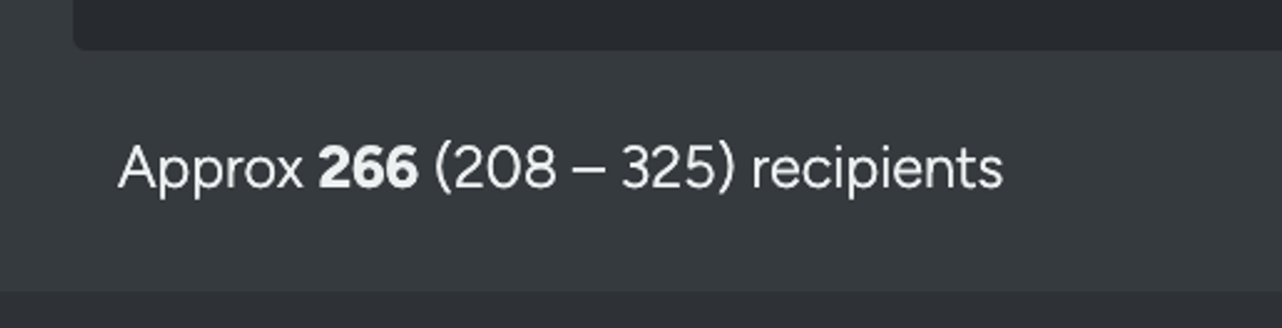
Channel-specific estimates
In email and SMS activity targeting, estimates will account for the contactable portion of the database relevant to the selected channel. As a result, the estimate may differ from the same target expression when viewed in other contexts, such as the extract dialog.
Estimated vs Targeted counts
After saving the target expression, the estimated count will be shown within the activity card and list views on the dashboard or within a campaign folder.
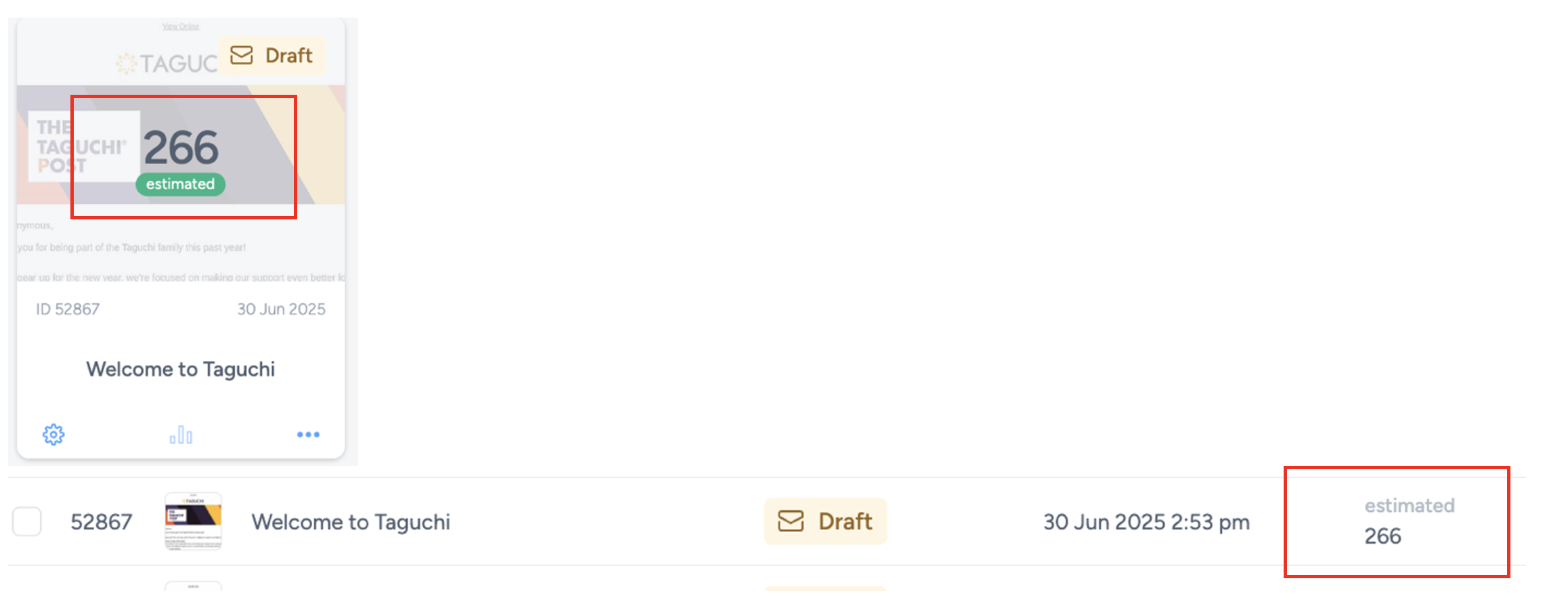
Once an Activity Check has been performed, the displayed count will update from Estimated to Targeted. This reflects a more accurate number of recipients that will actually be targeted.
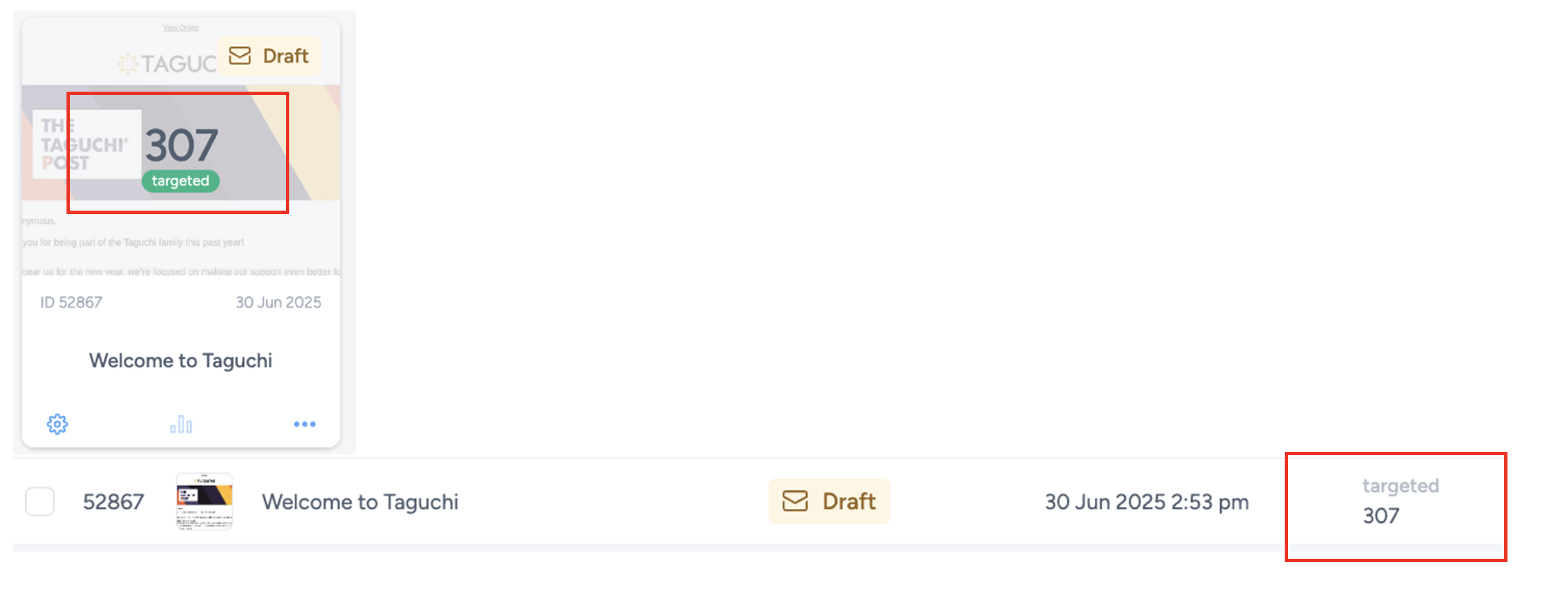
This serves as a helpful visual indicator for users, showing which activities have had an Activity Check completed.
Control-group targeting impact on counts
If Control group (%) is enabled in activity targeting, a percentage of the eligible audience is held back and excluded from delivery. In this case:
- Eligible estimate reflects subscribers matching your expression.
- Targeted reflects subscribers who will actually receive the message after control-group holdout is applied.
- Excluded (control group) reflects subscribers intentionally withheld for treatment-vs-control measurement.
For setup guidance and reporting interpretation, see Control-group targeting for measuring true campaign impact.