- Support Home
- Knowledge Base
- Campaigns And Activities
- Content
- SMS link shortening and character counts in activity preview
SMS link shortening and character counts in activity preview
Customise the format of your shortened links in SMS, so the preview and character count reflects the real, shortened link. This gives you accurate character counts and greater visibility over exactly what your subscribers see.
Set the URL shortening pattern in supported SMS integrations
In the relevant SMS integration within your organisation, locate the field labelled:URL shortening pattern (used in preview when link shortening is enabled)
Set this to the format the SMS provider uses for shortened links, for example:sms.org/xxxxxxxxxx
This pattern is fully editable and should be set to match what recipients receive in the real SMS links, or what is confirmed in SMS proofs.
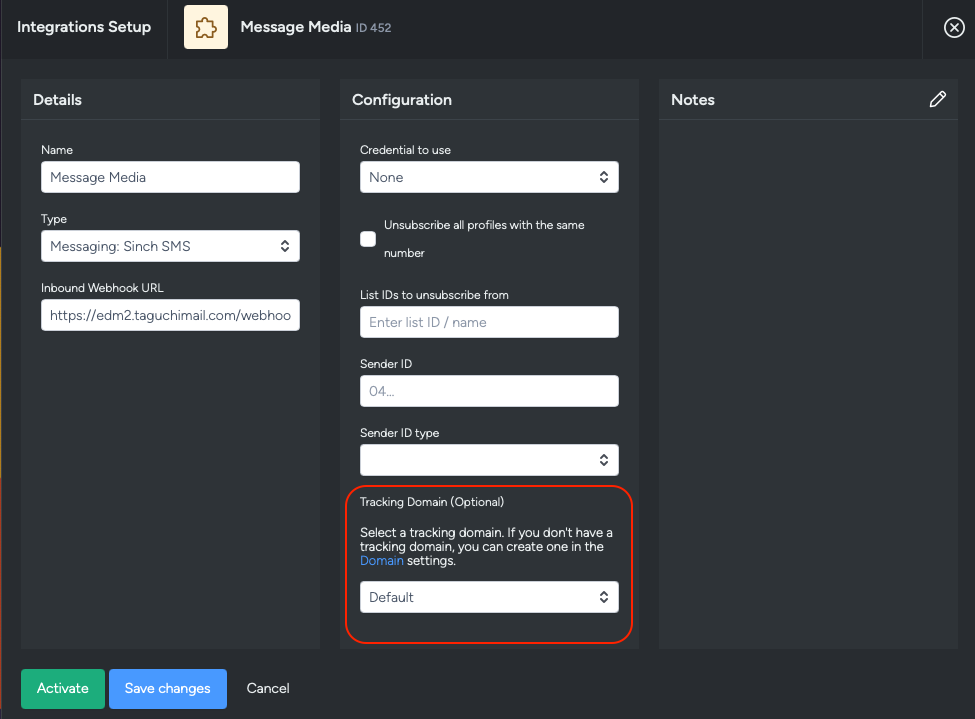
For more detailed steps on SMS integrations, see the SMS Integration article.
Confirm the activity preview reflects the shortening pattern
Open an SMS activity and make sure the correct integration is selected.
The preview will now adjust according to the pattern set in the SMS integration, and the SMS character count shown in the preview will calculate against that shortened format, instead of the full raw URL.
In this example, links in the preview now display and count as:sms.org/xxxxxxxxxx
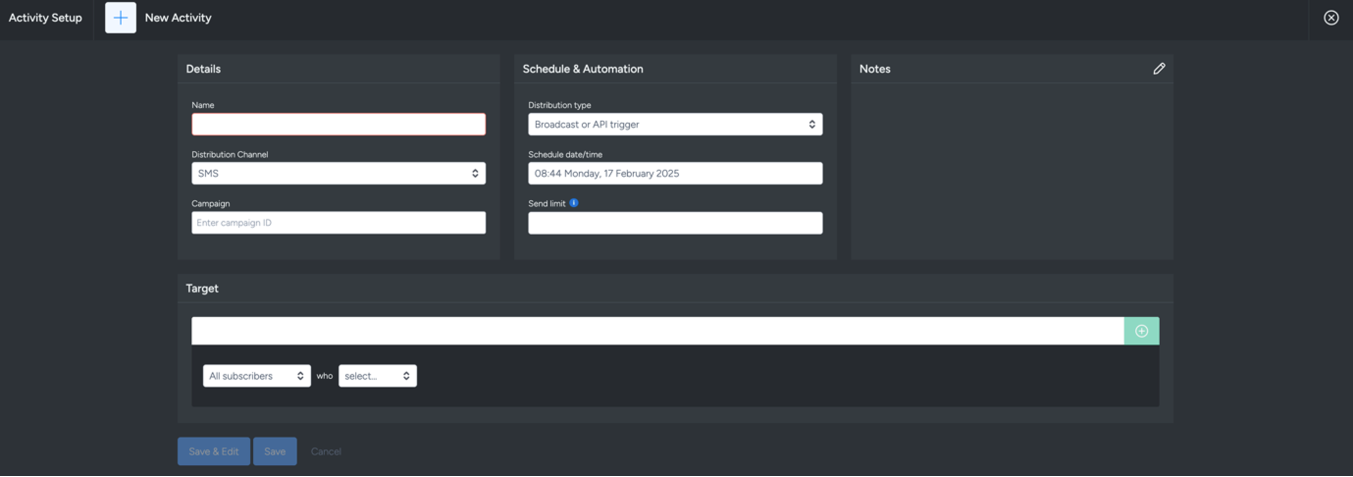
Tall Bob and Twilio SMS integrations support shortened links. See setup steps in the Tall Bob section and Twilio section.
Need help?
If you’d like help confirming your SMS integration setup, contact Taguchi Support.